How to Create a Wedding Invitation Website in India
A wedding invitation website gives guests one link for the invitation, event schedule, directions and RSVP. You can build one with a website builder or use a wedding invitation service. Either way, start with confirmed details and make the important information simple to find on a phone.
Planning a celebration in Kerala? The same steps apply, with a little extra care for multi-event schedules, local venue directions and guests joining from other time zones.
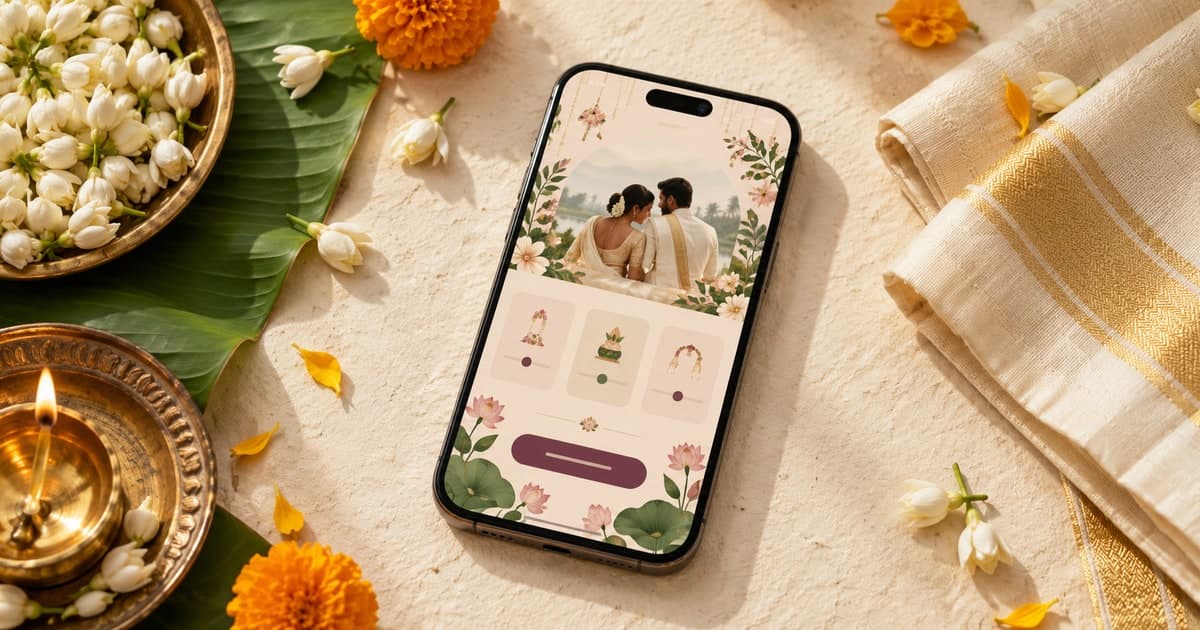
1. Choose how to build it
There are two common routes. A general website builder gives you more control over pages and styling, but you will set up the layout and mobile experience yourself. A wedding invitation platform usually starts with a ready-made design and may include event sections, map buttons or an RSVP form.
Compare the final price and what it includes before you begin: customisation, domain or branded URL, RSVP collection, editing access, support and how long the page remains live. If you want a custom domain, check whether it is included or billed separately.
| Option | Best suited to | Check first |
|---|---|---|
| DIY website builder | Couples who want full control | Mobile layout, RSVP setup, domain and renewal costs |
| Wedding invitation service | Couples who prefer a guided setup | What is included, edit limits and how long the page stays live |
2. Gather the details before designing
Collect the final information in one place so you are not chasing corrections after the site is built. Confirm spellings and dates with the people who are hosting the wedding.
- The couple’s names and a short welcome or invitation message.
- Each event’s name, date, guest arrival time and start time.
- Venue name, complete address and a map link for every location.
- RSVP method, reply-by date and a contact for guest questions.
- Optional photos, travel notes and guest instructions that are confirmed.
Keep a distinction between the time guests should arrive and the ceremony start when both matter. If the schedule is not final, label it as tentative or wait to publish that detail.
3. Plan a page guests can scan
Put the essentials near the top: names, date, city and the main invitation. Follow with the event schedule, venue directions and RSVP instructions. A short story or photo gallery can make the page personal, but guests should not have to scroll through it to find the time or address.
Use one clearly labelled block per event. For a wedding and reception at different venues, give each its own address and map button. Use familiar labels and enough contrast so the page remains readable outdoors on a phone.
Event · Date · Guest arrival · Start time · Venue · Open map
4. Make it work for a Kerala wedding
Kerala weddings can include several gatherings across different days and venues. The exact celebrations depend on the couple and family, so use the names and sequence that are right for your plans instead of assuming every wedding follows one format.
For each event, show its own date, time and venue. For example, a Nikah and Walima, a church ceremony and reception, or a Muhurtham and Sadhya may need separate entries when guests are invited to different places or at different times. Keep the schedule relevant to the people receiving the link.
- Use clear language. If many guests prefer Malayalam, consider providing Malayalam and English details, and ask a fluent reader to check the wording.
- Check the map pin. Open the location on a phone and verify the correct hall, entrance and town. Similar venue names and smaller roads can make a short address hard to follow.
- Label the time zone. Use Indian Standard Time (IST) for event times so relatives in the Gulf or elsewhere know the local time in Kerala.
- Give travelling guests notice. Share the date and confirmed venue early; add travel or stay suggestions only when your family has verified them.
These details are useful whether the celebration is in Kochi, Kozhikode, Thrissur, Thiruvananthapuram or a smaller hometown: a precise map link and a clear event schedule help guests plan.
For a Kerala-focused example, see the Kerala wedding invitation guide. If you are coordinating from abroad, the guide for NRI couples covers remote planning considerations.
6. Test before sharing
Open the finished invitation on an iPhone and an Android phone if you can. Ask someone who has not helped build it to find the date, start time, map and RSVP without guidance. Their questions often reveal missing details.
- Tap every map and RSVP button.
- Check names, dates, weekday, venue address and time zone.
- Read the page with images disabled or on a slow connection; key details should still be clear.
- Send a test RSVP and confirm where the response appears.
- Ask one family member to proofread names and any Malayalam wording.
Once the details are approved, share the live link and keep it updated if a venue or time changes. Message guests about important changes directly instead of relying on them to revisit the website.
A quick launch checklist
- ✓ Names and invitation wording approved
- ✓ Dates and event times confirmed
- ✓ Venue links opened and checked
- ✓ RSVP method and deadline are clear
- ✓ Mobile layout and buttons tested
- ✓ Link shared with the intended guests
Frequently asked questions
How do I create a wedding invitation website in India?
Choose a website builder or wedding invitation service, select a design, add your names, dates, event schedule, venue addresses, map links and RSVP instructions, then test the page on a phone before sharing it.
What should a Kerala wedding website include?
Include each celebration's date and time, the venue's full address and map pin, and clear RSVP details. If useful to your guests, provide Malayalam and English wording, explain multi-day events, and label Kerala timings as Indian Standard Time for relatives abroad.
Can I make a wedding invitation website for free?
Some site builders offer free plans, while dedicated wedding invitation services may charge for a ready-made design or features. Check the published URL, branding, RSVP options, editing access and how long the page stays online before choosing.
When should I share my wedding website?
Share it as soon as the date and main venue are confirmed, especially if guests need to travel. Update the page if timings or locations change, and send the latest link directly to invited guests.
Ready to plan your invitation?
Explore wedding designs and compare what each option includes before choosing the right fit for your celebration.